WordPress
Embed the Wheelbase rental storefront on any WordPress site using our official shortcode plugin.
The plugin source code is available on GitHub . See it in action on the example WordPress site .
Installation
Download the plugin
Download the latest wheelbase-widget.zip from the GitHub repository .
Upload the plugin
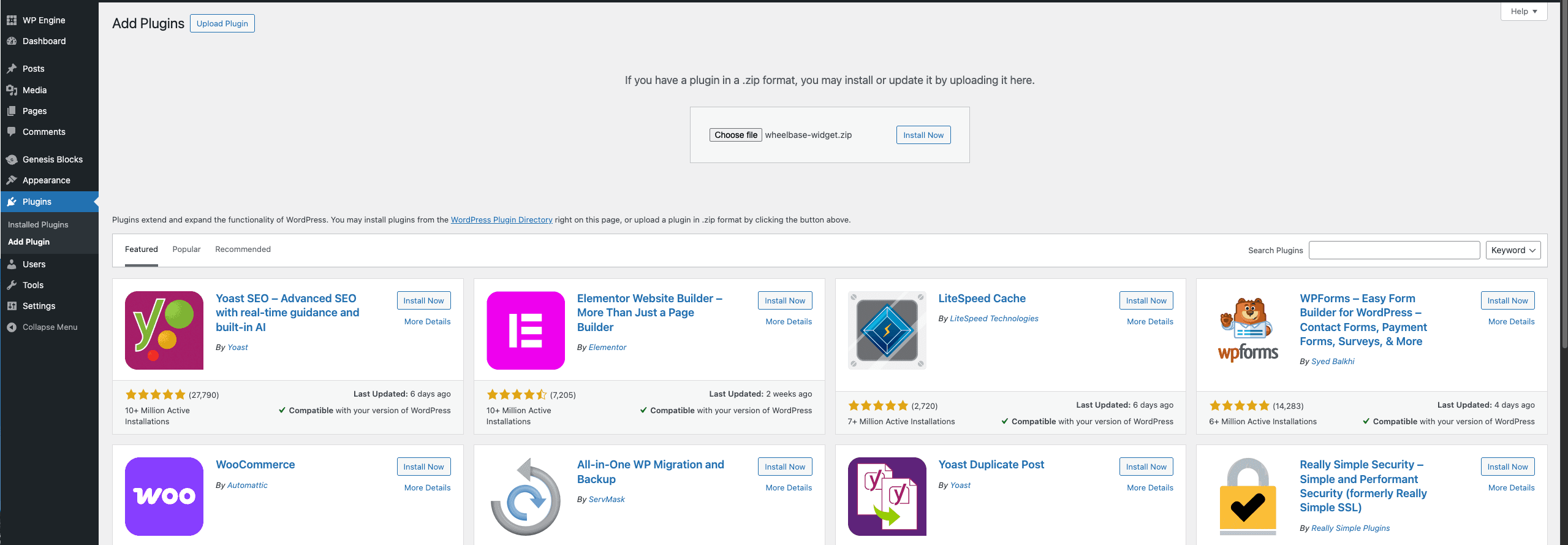
In your WordPress admin, go to Plugins > Add Plugin > Upload Plugin, select the wheelbase-widget.zip file and click Install Now.
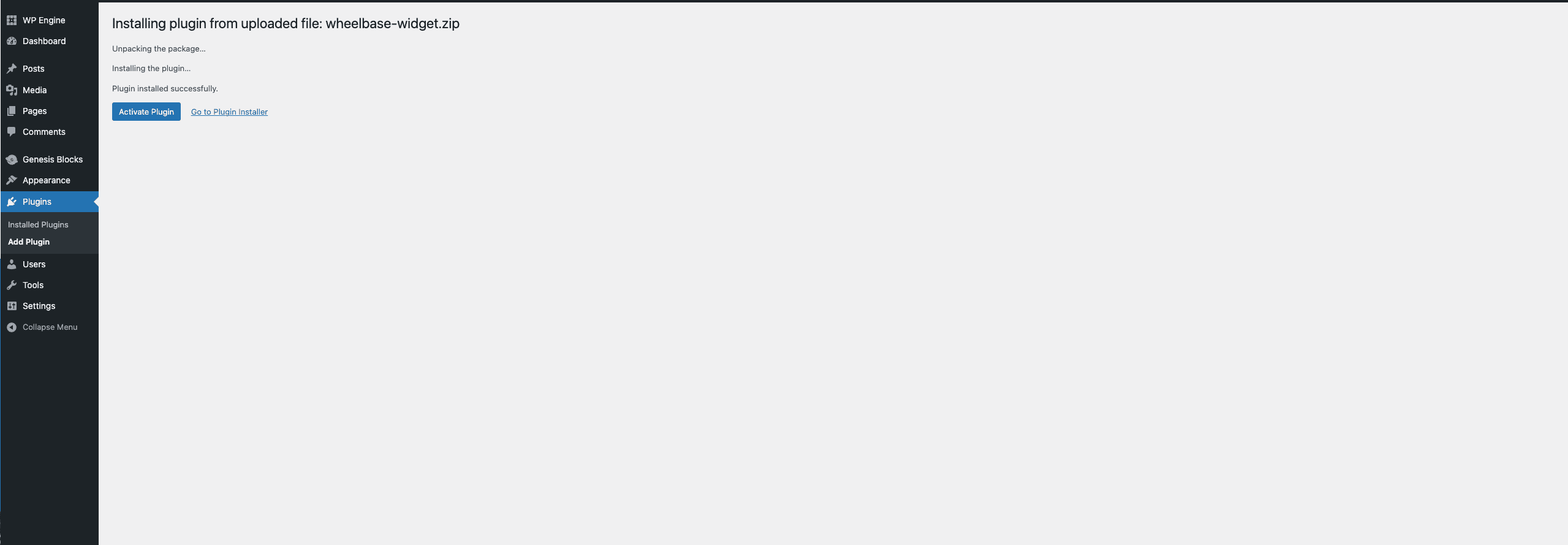
Activate the plugin
After the upload completes, click Activate Plugin.
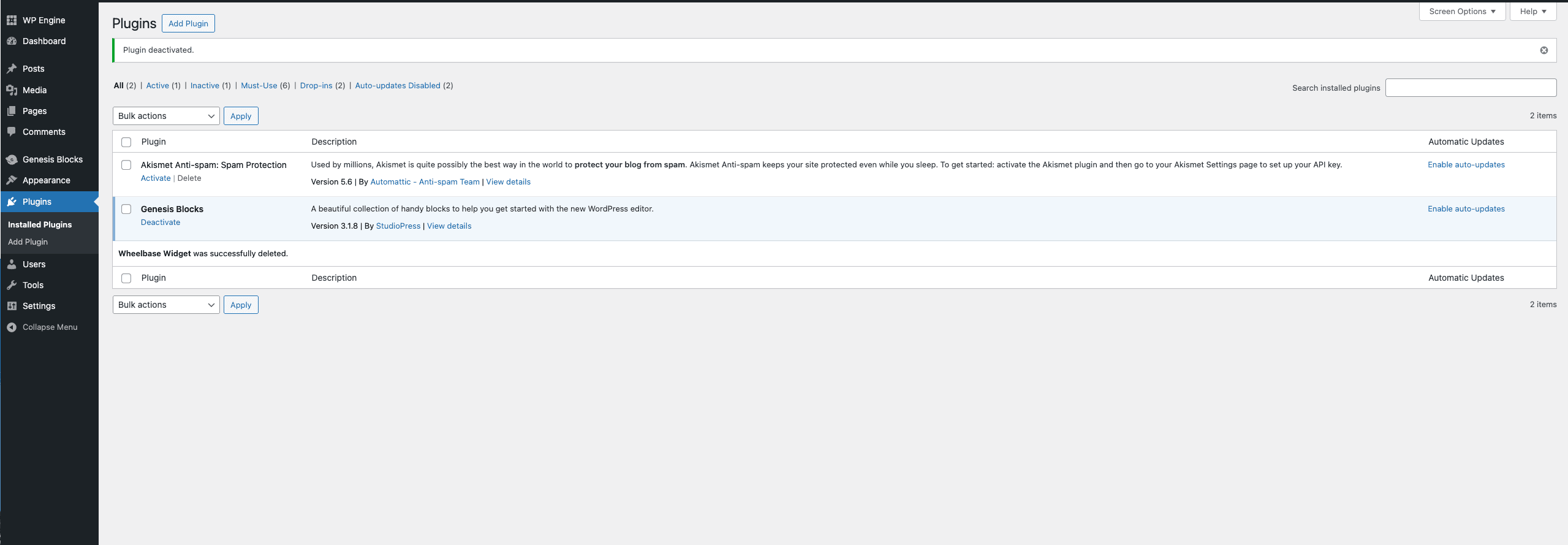
You should now see Wheelbase Widget in your installed plugins list.
Usage
The plugin provides two shortcodes. Add them to any page or post using the Shortcode block in the WordPress editor.
Full Store
Use [wheelbase-widget] to embed the complete rental storefront:
[wheelbase-widget dealer-id="YOUR_DEALER_ID"]With customization:
[wheelbase-widget dealer-id="YOUR_DEALER_ID" background-color="#f8f9fa" hide-hero="true" surface-color="#ffffff"]To embed an auto rental storefront, set store-type to auto (defaults to rv):
[wheelbase-widget dealer-id="YOUR_DEALER_ID" store-type="auto"]Single Listing
Use [wheelbase-listing] to embed a single rental listing:
[wheelbase-listing dealer-id="YOUR_DEALER_ID" rental-id="YOUR_RENTAL_ID"]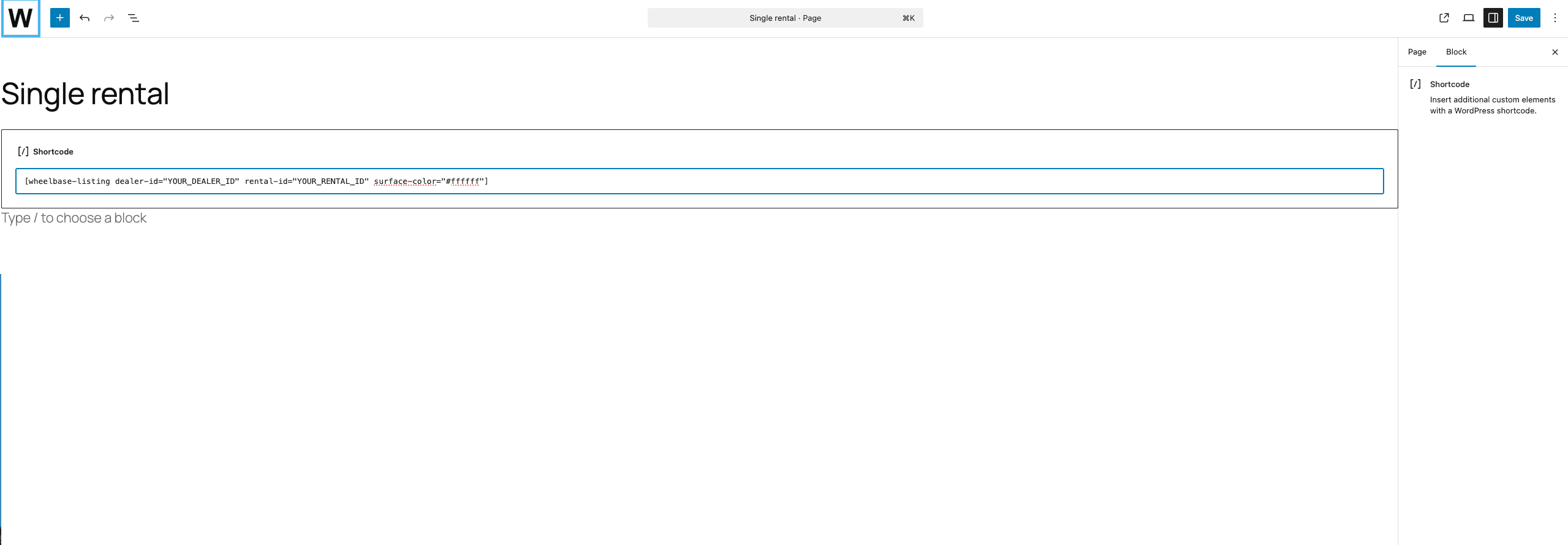
Available Attributes
All shortcode attributes map directly to the web component attributes. See the full list on each component’s page under Components.
The shortcode passes through any attribute you provide, so new attributes added to the widget will work automatically without a plugin update.
Troubleshooting
Scaled Down Text and UI
Problem: Text, buttons, and other elements appear smaller than expected.
Some WordPress themes set font-size: 62.5% on the <html> element. The widget uses rem units which are relative to this value, causing everything to render at ~62.5% of the intended size.
Solution: In your WordPress admin, go to Appearance > Customize > Additional CSS and add:
html {
  font-size: 16px !important;
}
This may affect your theme’s own styling. Test the rest of your site after applying this change.
Widget Not Full Width on Mobile
Problem: The widget doesn’t stretch to the full width on mobile devices.
Solution: Add this to Appearance > Customize > Additional CSS:
wheelbase-store,
listing-details {
  display: block;
  width: 100%;
}
Also ensure your theme’s content container isn’t constraining the width. You may need to use a full-width page template.